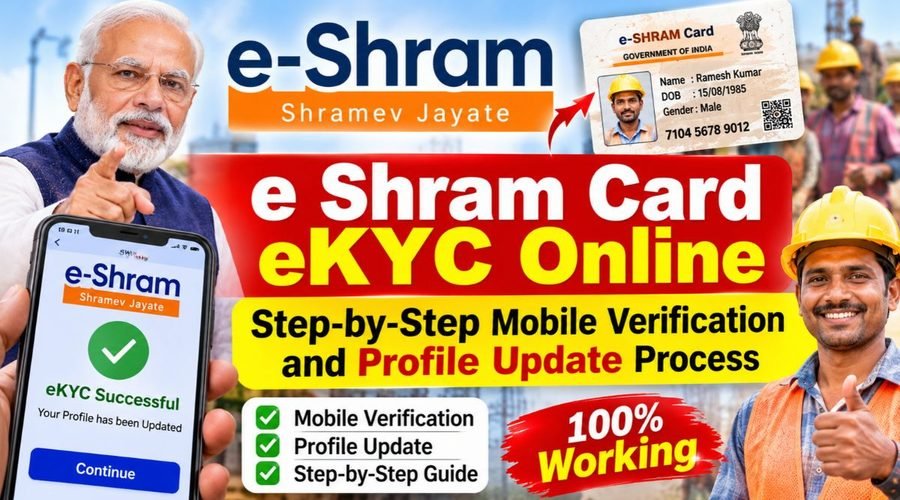
The e Shram card is kind of an important identification document for workers in the unorganized sector . Through it, workers get registered in a national database, which helps the government plan social security schemes for them , and make sure they receive the benefits that come with it, you know. If you already have an e-Shram card , it is essential to keep the registered mobile number , address, and other personal details accurate. Sometimes if the info gets outdated, or your mobile number changes then it can create small but annoying difficulties while accessing the services that are linked to the card. In such cases, it is better to double check your details , and make the required updates using the online services available on your mobile phone.
What is e-Shram card eKYC?
e-Shram card eKYC is kind a process used to check a worker’s identity, and also the details linked to their registration. In some cases it may ask for your Aadhaar number, plus the registered mobile number , as well. The point here is to keep the records accurate and current, so later on when you want scheme related services, the whole thing is smoother and less prone to identity related problems, okay.
What is required to complete e-Shram eKYC via mobile?
For updating your details on the e-Shram portal, you usually need your UAN, or Aadhaar number, plus the mobile number that is linked to your Aadhaar. Also you’ll need an internet connection, and honestly that part can matter. The identity check can be done after the OTP arrives on the phone linked to your Aadhaar, and then you verify accordingly. But if your mobile number isn’t linked, or you’re not getting that OTP for some reason then you should go for help at your nearest Common Service Centre (CSC), or the State Service Centre (SSK) , whichever is available nearby.
How to access the official e-Shram portal?
So, start by going to the Government of India official portal , the e-Shram Portal, in your mobile browser. On the homepage you’ll see options for workers who are already registered, to log in and do an profile update. Just don’t put in your Aadhaar number or OTP on any unknown site , or through links people share on social media. Make sure you’re always using the official portal , nothing else.
Process for logging in using UAN and OTP
If you are already a e-Shram card holder , then just pick the log in or update profile option on the portal, don’t overthink it. After that, proceed entering the needed details like your UAN and the OTP you get on your registered mobile. Once the verification part is done, your profile will open up, sort of. Then you can check whatever info is already there and make necessary edits, using the options shown.
How to update your profile using Aadhaar?
If you need to change your registered mobile number, or just update your info through Aadhaar, then please go to the “Already Registered” part on the portal and click the “Update Profile Using Aadhaar” choice. Now enter your Aadhaar number and finish the verification steps that are shown there, kinda straightforward but make sure everything is correct. Then follow the on screen instructions , to add your new mobile number and also any other details they ask for. Before you press save, do a careful check of every field, just to avoid errors later on.
What information can be updated on an e-Shram card?
On the e-Shram portal, workers can update details like their mobile number, home address, job role, educational qualifications, skills, and even bank account information too. If you have changed your job, or moved to another city , it’s a good idea to keep this information in your profile current, really. That way your present situation gets shown properly in the government records, and nothing stays out of date.
How to add a new mobile number?
If your old mobile number is no longer active, or you’ve already started using a new one, you can update it, by picking the option called ‘Update Profile Using Aadhaar’ on the portal. then, complete the required identity verification to refresh your mobile number. If it turns out there is no mobile number linked to your Aadhaar, you should visit your nearest CSC (Common Service Centre) or SSK (Seva Kendra) , so they can help you.
How to download the e-Shram card after an update?
After you update your profile, just head to the option inside your account and download your UAN card. There you can get a digital copy of the card and save it on your mobile device, or print it out whenever it is needed. But make sure you double-check the name, the UAN, and the other key details on the downloaded card, before you treat it as final. Also, if you spot any errors, don’t wait too long—reach out for help via the official portal or a CSC (Common Service Centre).
How to download the e-Shram card after an update?
After updating your profile, go ahead and navigate to the option for downloading the UAN card that is available in your account. You can download a digital copy, save it on your mobile device, or print it out when ever it is needed , like anytime. Just make sure you verify your name UAN, and the other essential details on the downloaded card. If you happen to notice any errors, don’t delay, take help through the official portal or a CSC (Common Service Centre).
What to do if you face issues with e-Shram eKYC?
At times, the verification process can end up failing, mostly because you didn’t receive the OTP, or maybe because the mobile number you entered was not the correct one, or there are differences in your Aadhaar records. If that happens, start by checking your mobile connection and make sure the proper mobile number is actually connected to your Aadhaar. If the trouble still continues , then go to your nearest CSC or SSK, (Sahaj Seva Kendra) and sort it there. You can also reach out to the e-Shram helpdesk at 14434, or try 1800-889-6811. As per the official portal, the helpdesk works from 9:00 AM to 6:00 PM.
Is it necessary to renew the e-Shram card?
The e-Shram card, really does not have an expiry date, and it doesnt need any routine renewal either. Still, workers are advised to keep their personal information and job related details updated from time to time. That way the data in the government database stays accurate, and it makes service access easier under different eligible schemes, in practice.
Conclusion
The e-Shram card eKYC, and also profile update process can be done online using your mobile device, you know. Just log in to the official portal then verify your identity, and update your personal details wherever needed. In case you face any issues with OTP , or with Aadhaar checking, please go for help from a CSC center. Take note that e-Shram registration plus profile updates are absolutely free, so dont share your OTP with any unknown person, and don’t make any payments too, under any circumstances.
FAQs
Q1. How can I complete e-Shram Card eKYC online?
A. Visit the official e-Shram portal and verify your details using the required OTP.
Q2. Can I update my e-Shram Card profile using my mobile?
A. Yes, you can log in to the official portal and update available personal details.
Q3. Is e-Shram Card eKYC free?
A. Yes, e-Shram registration and online profile updates are free.